






English | 简体中文
TinyRobot is an AI component library and application development suite built with Vue 3 and following the OpenTiny Design system. It helps enterprises quickly build intelligent chat applications and business assistants.
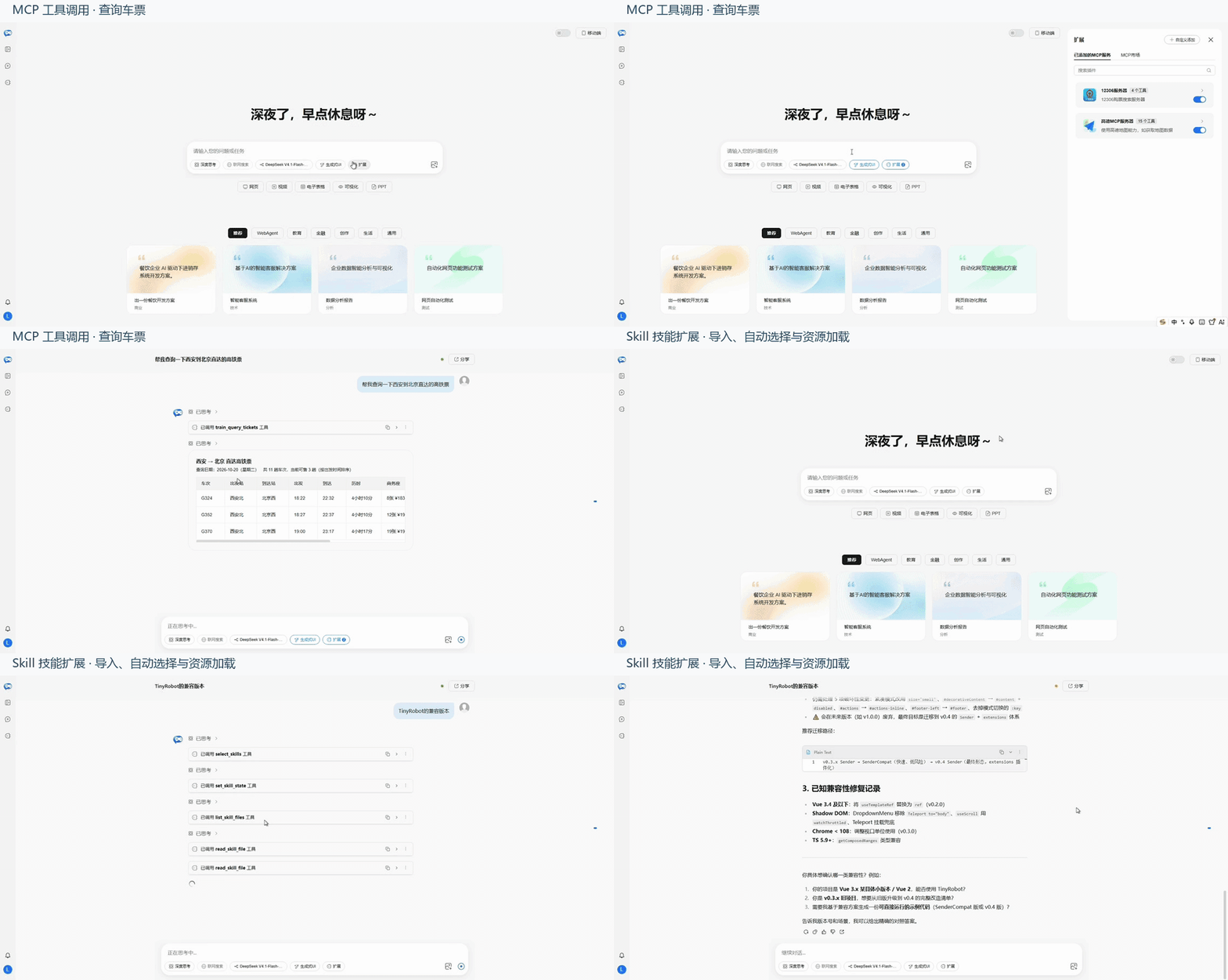
Core capabilities span the Chat suite, composable components, the data layer, and MCP extensions:
- Chat suite: Provides a complete chat interface with model service integration, messaging, streaming responses, and management of multiple conversations, plus theme customization and model switching.
- Composable architecture: Use Components and Kit to control the interface, runtime, message requests, and conversation data as needed.
- Tools and MCP: Supports tool call display, MCP server management, tool selection, and approval workflows.
- Vue 3 + TypeScript: Follows the OpenTiny Design system, with support for importing only what you need, theme customization, and typed APIs for extensions.
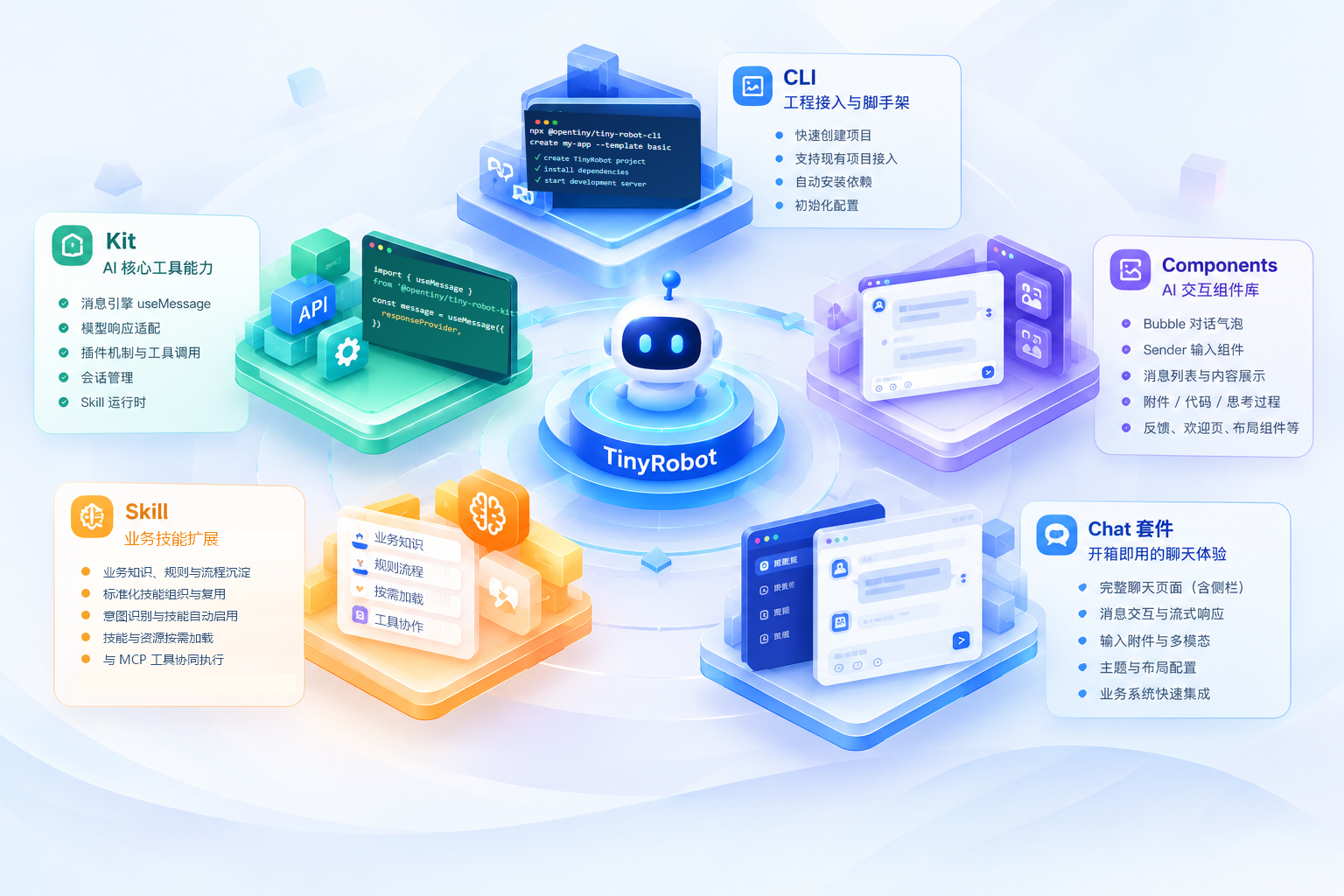
Combine TinyRobot's capabilities as needed, from project setup and chat interfaces to business extensions.
TinyRobot offers three ways to get started: use the CLI, install the complete Chat suite, or combine Components and Kit as needed.
TinyRobot separates project setup, chat pages, UI components, and the data layer into public packages that can be used independently:
| Package | Description | Version |
|---|---|---|
@opentiny/tiny-robot |
AI chat component library with Bubble, Sender, History, Layout, and more |  |
@opentiny/tiny-robot-chat |
Chat suite with a complete chat page, runtime, conversation management, and MCP support |  |
@opentiny/tiny-robot-kit |
AI chat toolkit for message management, model service integration, multiple conversations, and data storage |  |
@opentiny/tiny-robot-cli |
CLI for creating projects or adding Chat to an existing Vue project |  |
@opentiny/tiny-robot-svgs |
SVG icon library for TinyRobot components |  |
Use the CLI to create a Vue project with Chat capabilities:
npx @opentiny/tiny-robot-cli create my-app --template basic
cd my-app
pnpm install
pnpm devnpx @opentiny/tiny-robot-cli add chatThe CLI generates src/tiny-robot-chat/TinyRobotChat.vue and related configuration. It does not automatically modify App.vue, src/main.*, or vite.config.*, or mount the component. See the CLI integration guide for more options and integration details.
For a complete Chat application, install:
pnpm add @opentiny/tiny-robot @opentiny/tiny-robot-chatCreate a chat page with TrChat and useChatRuntime:
<script setup lang="ts">
import '@opentiny/tiny-robot/dist/style.css'
import '@opentiny/tiny-robot-chat/dist/style.css'
import { TrChat, useChatRuntime, type ChatProviderConfig } from '@opentiny/tiny-robot-chat'

const modelProviders: ChatProviderConfig[] = [
  {
    type: 'openai',
    apiUrl: '/api/chat',
    models: [{ id: 'deepseek-flash', label: 'DeepSeek Flash' }],
  },
]

const runtime = useChatRuntime({ modelProviders })
</script>

<template>
  <tr-chat :runtime="runtime" />
</template>
Replace apiUrl with your model service URL or a backend endpoint that forwards requests to the model service. The endpoint must use a format compatible with OpenAI's chat API. If you already have your own request and data layers, use TrChatUI to integrate just the Chat interface.
@opentiny/tiny-robot provides the basic components for AI chat interfaces, which you can combine to build your own pages:
- Messages and input:
TrBubble,TrBubbleList,TrSender,TrSenderCompat - Page structure and extensions:
TrLayout,TrContainer,TrHistory,TrPrompts,TrAttachments,TrMcpServerPicker
@opentiny/tiny-robot-kit provides message processing, model requests, and conversation management for AI chat applications. Use it with TinyRobot components or your own interface:
useMessage: Manages message state and handles streaming responses.useConversation: Manages multiple conversations and their messages.- Conversation storage: Supports LocalStorage, IndexedDB, and custom storage strategies.
- Custom requests: Connects to model services or business APIs through
responseProvider.
# Install dependencies
pnpm install

# Start development server
pnpm dev

# Run tests
pnpm test

# Build
pnpm buildMIT License - see LICENSE file for details.
Contributions are welcome! Please read our Contributing Guide to understand the recommended workflow, commit message conventions, and how to submit Issues and Pull Requests.
Built with ❤️ by the OpenTiny team.
Note: This project is part of the OpenTiny ecosystem.