
Languages: EN · IT · 日本語 · FR · 中文
| Quality | Deploy | Docs |
|---|---|---|



|


|



|
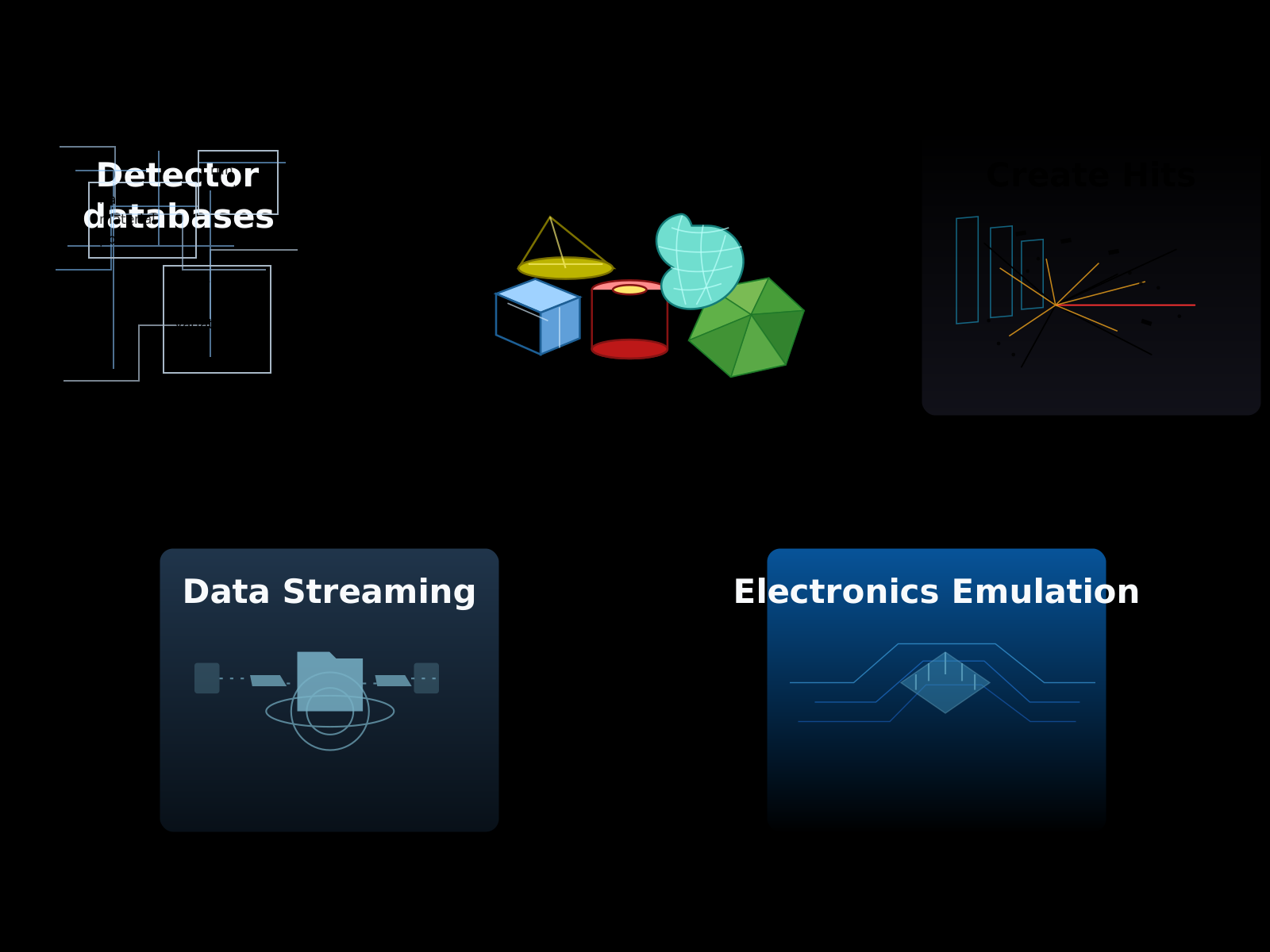
GEMC is a database-driven Geant4 application for detector and radiation-transport simulations. Its Python API lets you define complex detector setups without writing Geant4 code.
Detector descriptions stay separate from the executable: you create them in Python, store them in ASCII or SQLite databases, and GEMC loads them at run time to execute the Geant4 simulation.
C++ plugins support custom detector response, magnetic fields, event generators, and output formats.
- Python-first detector definitions
- Geometry preview and VTK export with
pyvista - ASCII, SQLite databases
- Geometry imports from GDML and CAD files
- Interactive Geant4/Qt visualization and off-screen image generation
- Built-in sensitive types:
flux,gPhotonDetector,dosimeter,particle_counter - Simulation output in ASCII, CSV, JSON, and ROOT
- Event generation from the GUI, command-line, YAML and LUND files
- Magnetic-field support, including multipoles field and ascii maps
- A Python
analyzermodule for reading and plotting simulation output (CSV, ROOT) - Geometry variations and run-number-dependent configurations
- Meson-based C++ build with CI-tested Docker images for Linux
amd64andarm64
The fastest way to try GEMC is through the examples:
A minimal local workflow that creates a counter detector and runs 1000 events throught it:
gemc-system-template -s counter
cd counter
./counter.py
gemc counter.yaml -n=1000
gemc-analyzer counter_t0_digitized.csv totEdep --kind csv --bins 50
The template command creates a counter system,
the Python script builds the geometry and stores it in a SQLite file gemc.db,
gemc runs the simulation, and gemc-analyzer plots a variable from the CSV output.
For installation instructions see the installation guide
The Python environment uses Python 3.10-3.14 and includes pymeshlab. Upcoming in the next release:
the pygemc subproject selects a supported installed Python and manages both environments, including
dependency installation at meson install time.
Detector systems are build and written to databases using pygemc.
An example of definiting a sensitive flux box:
from pygemc import GVolume, autogeometry

cfg = autogeometry("examples", "counter")

flux = GVolume("flux_box")
flux.description = "air flux box"
flux.make_box(40.0, 40.0, 2.0)
flux.set_position(0, 0, 100)
flux.material = "G4_AIR"
flux.color = "3399FF"
flux.digitization = "flux"
flux.set_identifier("box", 2)
flux.publish(cfg)
Geometry scripts can write SQLite or ASCII databases, display geometry with PyVista, or export VTK.js files:
./counter.py --factory sqlite
./counter.py -pv
./counter.py -pvvtk counter -pvz 0.25
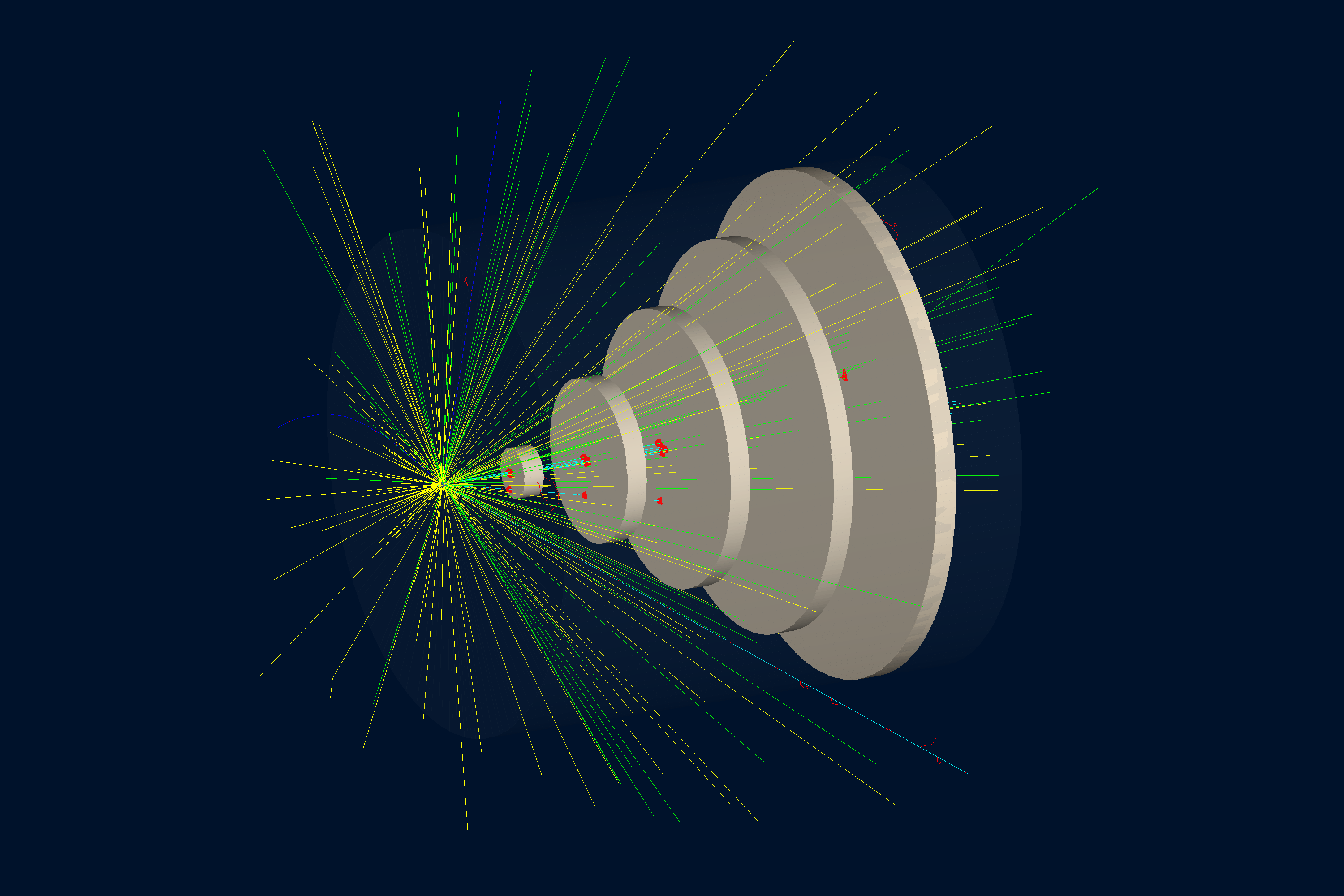
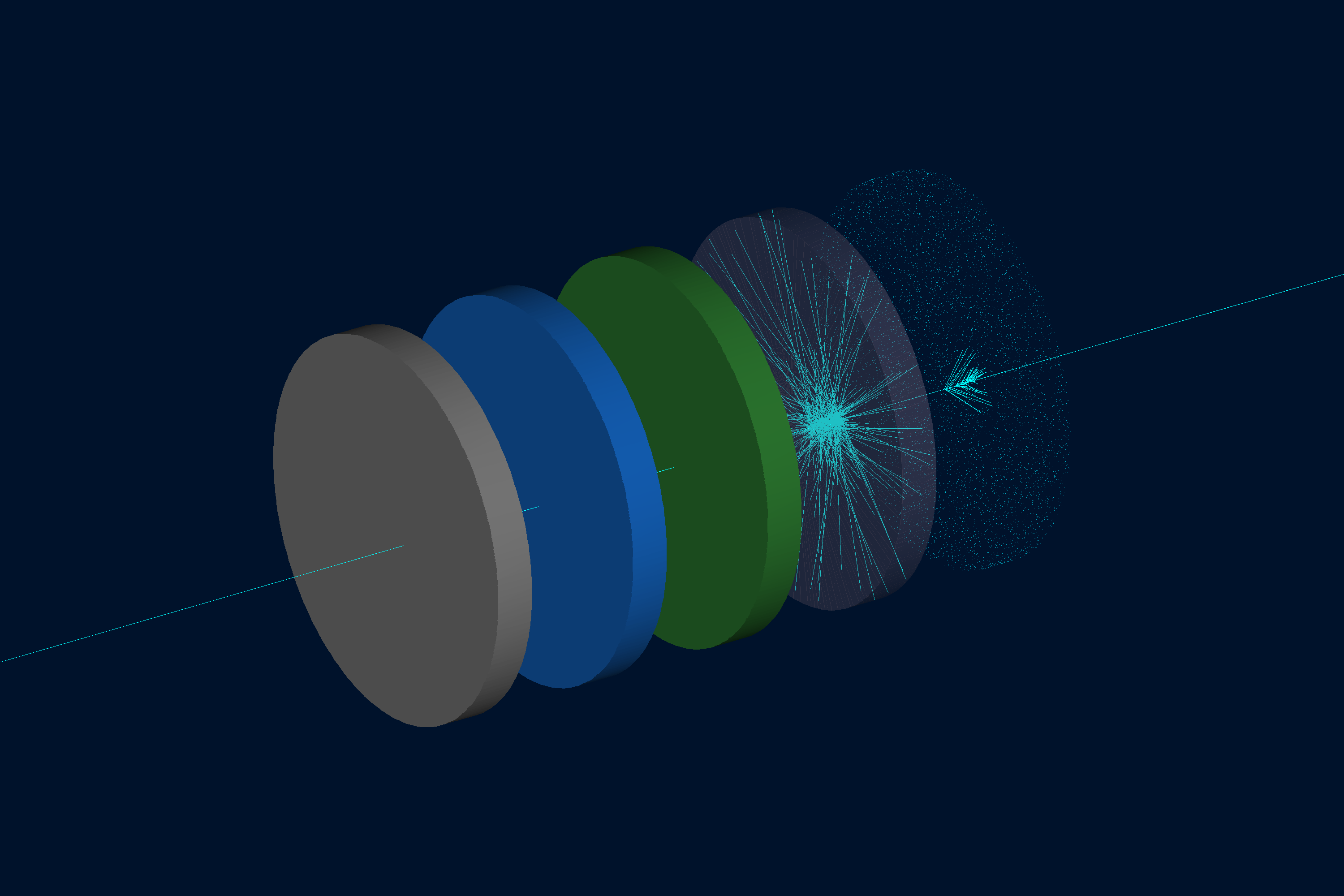
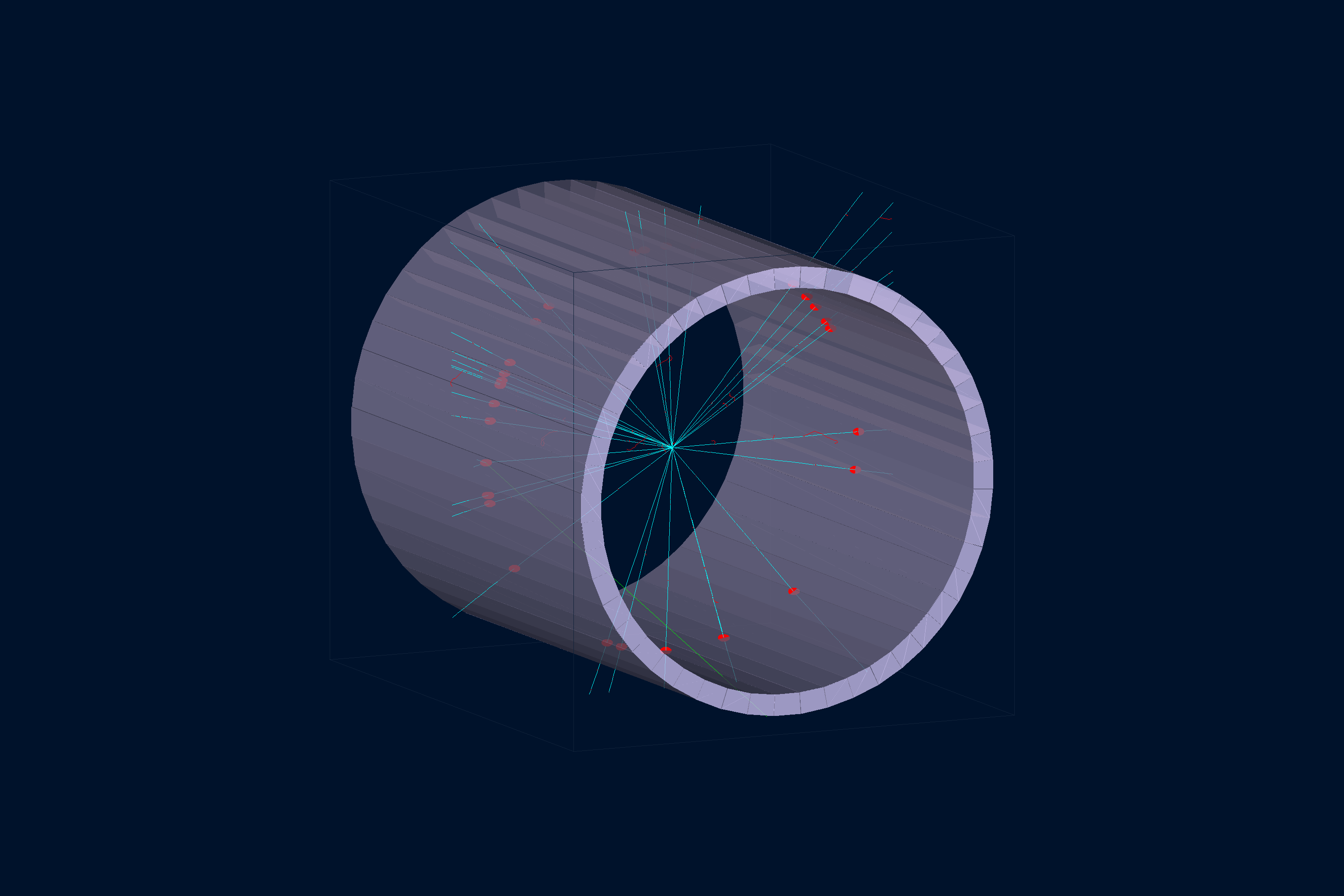
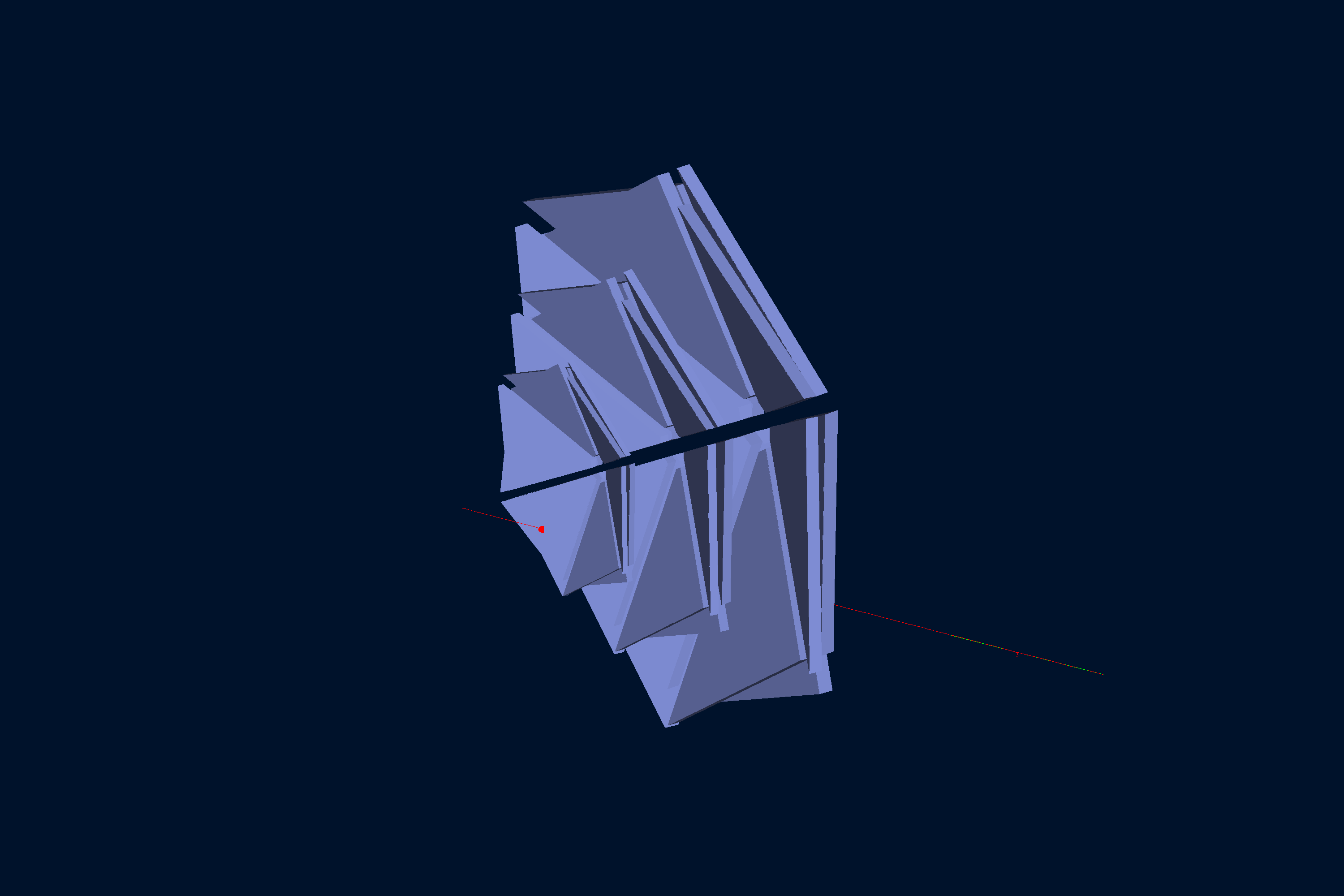
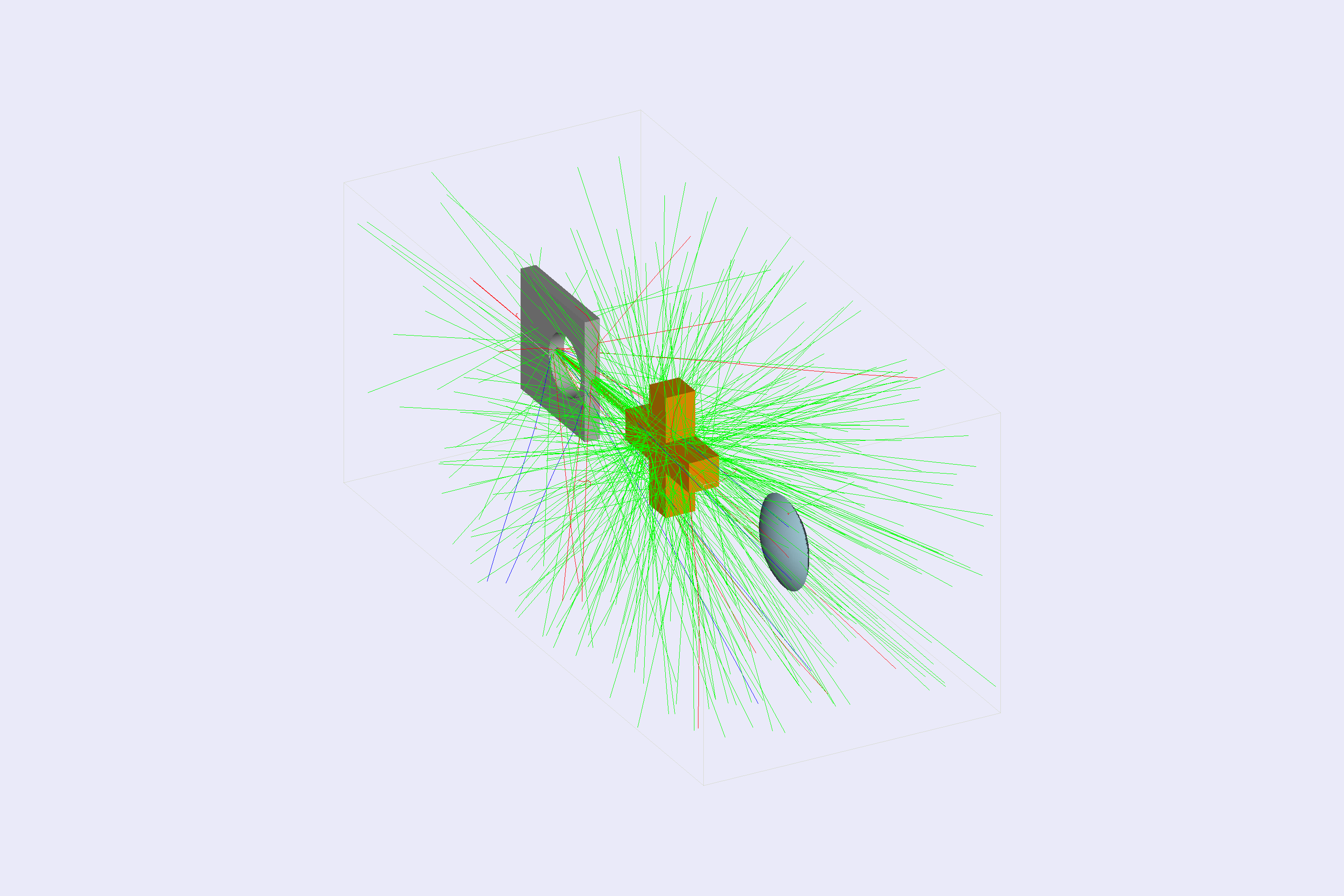
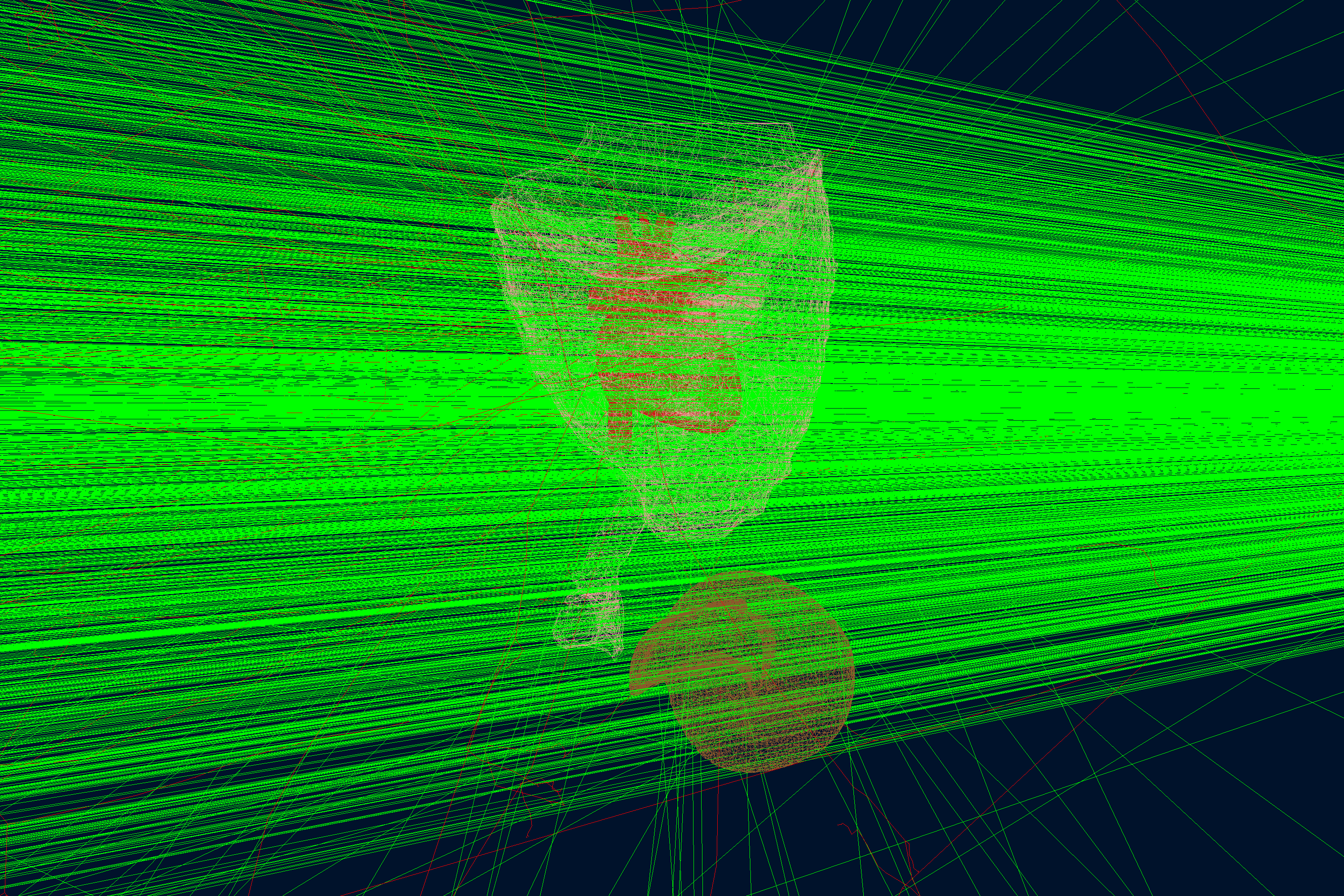
PyVista is part of the normal GEMC geometry workflow. It lets users inspect detector geometry before running Geant4, export portable VTK.js scenes for documentation, and catch placement or rotation mistakes while editing Python geometry scripts. Some examples:
 Geant4 basic/b2 |
 Materials |
 Scintillator Barrel |
 CLAS12 DC |
 Boolean Solids |
 CAD Import |
Open the linked interactive PyVista scenes generated from the GEMC examples.
GEMC is configured with YAML files and equivalent command-line options. A compact steering file can define the run number, event count, generator, geometry systems, output streamers, and world volume:
runno: 1
n: 100
nthreads: 1

gparticle:
  - name: proton
    p: 1500
    vz: -5.0

gsystem:
  - name: counter
    factory: sqlite

gstreamer:
  - filename: counter
    format: csv
  - filename: counter
    format: root

root: G4Box, 15*cm, 15*cm, 15*cm, G4_AIR
Run in batch mode:
gemc counter.yamlRun with the Geant4 GUI:
gemc counter.yaml -guiExecute a Geant4 macro text file (upcoming in the next release):
gemc counter.yaml -geant4_macro=run.mac
gemc counter.yaml -gui -geant4_macro=vis.mac
The equivalent YAML setting is geant4_macro: run.mac. GEMC executes the macro after initialization and
visualization setup, before entering the GUI or interactive terminal. Relative paths use the working directory;
Geant4 handles comments, aliases, and nested /control/execute commands. Missing files and failed commands
produce a nonzero exit status.
In batch mode, the macro controls event generation with commands such as /run/beamOn 100; GEMC does not
automatically run the -n events or the -run_weights allocation afterward. Detector conditions are prepared
using -run. A visualization-only macro generates no events unless it contains a beam-on command. Without
geant4_macro, the usual event processing is unchanged.
Generate an off-screen Geant4 image:
gemc counter.yaml -n=10 \
  -g4view="[{driver: TOOLSSG_OFFSCREEN, segsPerCircle: 200}]" \
  -g4camera="[{phi: -10*deg, theta: 250*deg}]" \
-g4light="[{phi: 160*deg, theta: 120*deg}]"The output layer is plugin-based. Built-in streamer formats include:
| Format | Notes |
|---|---|
ascii |
Human-readable text output |
csv |
Per-thread CSV tables for digitized hits, true information, generated particles, and tracked generated particles |
json |
Structured event output |
root |
ROOT TTrees, available when GEMC is built with ROOT |
Upcoming in the next release, track provenance can be enabled for event output:
gemc counter.yaml -save_original_track
gemc counter.yaml -save_all_ancestors
-save_original_track populates otid in each true-information hit. -save_all_ancestors also enables
original-track IDs and writes a deduplicated ancestors bank containing each hit-producing track and its
complete parent chain. CSV output uses a separate _ancestors.csv file; ASCII, JSON, and ROOT include the bank
in their event output.
pygemc provides some utitlities to analyze CSV or ROOT output. For example:
gemc-analyzer counter_t0_digitized.csv totEdep --kind csv --bins 50
gemc-analyzer out.root E --kind root --detector flux --save energy.png
For example, after running the b2 example with
gemc b2.yaml -n=1000, the analyzer produces:
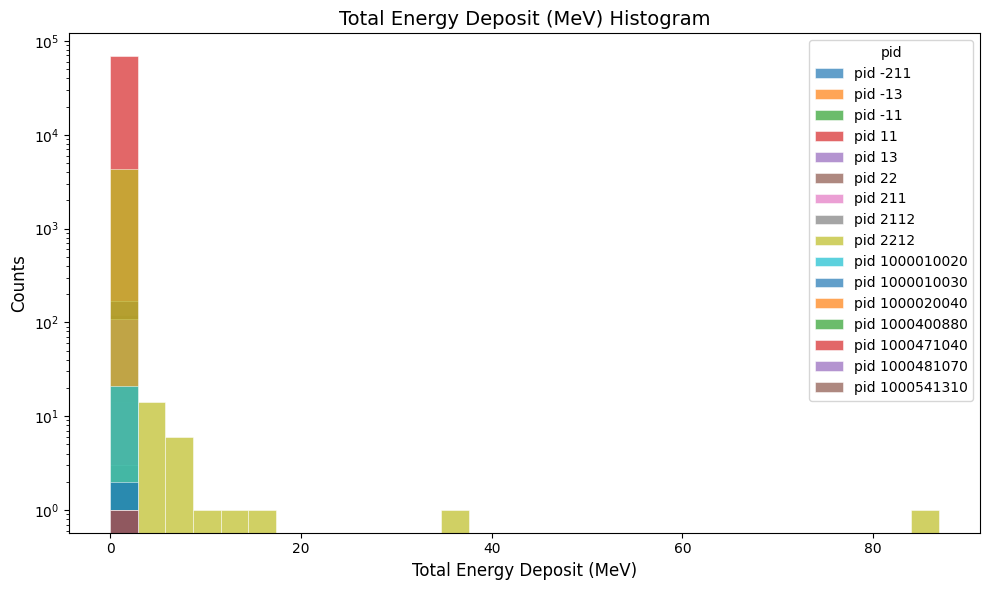
gemc-analyzer b2_t0_digitized.csv totEdep --kind csv
|
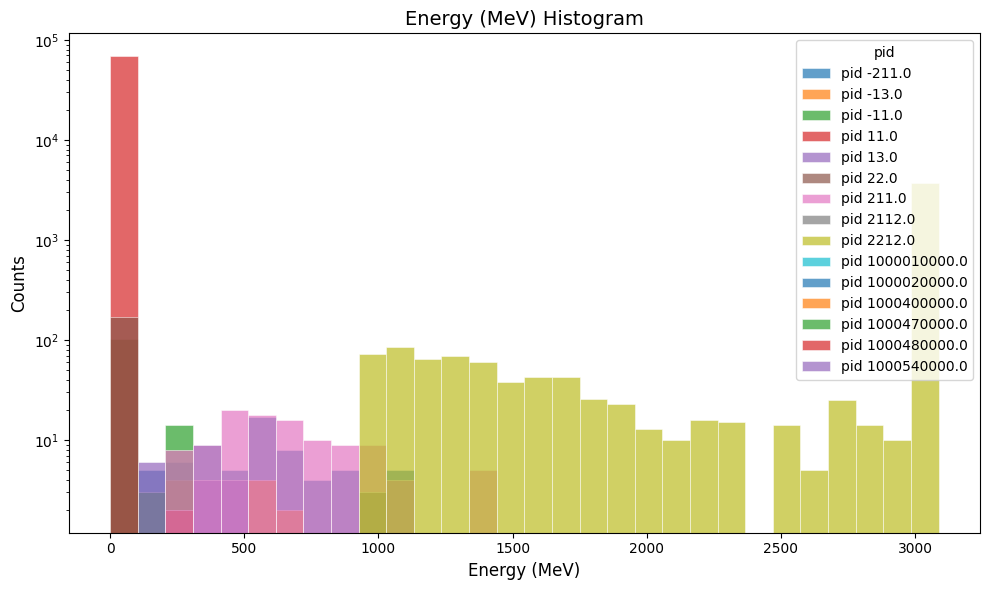
gemc-analyzer b2_t0_true_info.csv E --kind csv --data true_info
|
- GEMC homepage
- C++ logging — numbered message templates, filtering, and error handling; template methods are upcoming in the next release
- Thread scaling — multithread benchmarking and the scaling sweep
- Profiling — Valgrind callgrind metrics and how to read them
- Python API repository
- CLAS12 GEMC systems repository
Contributions are welcome through normal pull requests. Before opening a pull request, run the relevant Meson tests and keep changes focused. See:
Upcoming in the next release: C++ logging methods accept complete messages with numbered parameters:
log->info(0, "Using %1 threads out of %2 available cores.", useThreads, ncores);Migrate concatenating calls in external plugins and rebuild against matching GEMC headers. The transitional
*Template() methods remain forwarding aliases. See the
logging guide for placeholder rules and handling
dynamic diagnostic text.
English logging catalogs are generated from the C++ templates in each owning repository. See
message catalogs for extraction, validation, and installation commands. Logging
detects the language automatically; -language=it selects Italian and -language=en forces English.
Missing translations fall back to English. The shared Claude/Codex workflow generates project-language
catalogs through the same weekday cron job used for website and README translations.
Upcoming in the next release: GUI controls, tooltips, geometry descriptions, analyzer messages, and SVG button captions use the same language selection. See GUI translations. Qt Linguist tools compile the GUI catalogs during the build; standard-dialog translations use Qt's installed language data.
If you use GEMC in scientific work, cite:
M. Ungaro and the CLAS Collaboration, "The CLAS12 Geant4 simulation," Nuclear Instruments and Methods in Physics Research Section A 959, 163422 (2020). https://doi.org/10.1016/j.nima.2020.163422
BibTeX and additional citation formats are in CITATION.md.
GEMC is licensed under the Apache License, Version 2.0; see NOTICE for attribution and
third-party acknowledgments. The software also depends on separately licensed third-party components, including
Geant4, CLHEP, Qt, ROOT, SQLite, and Assimp.
See the project roadmap for the current development plans.